🔐
Secure Roles & Access
Invite users, set Admin/Editor/Viewer roles, and control visibility by department or project.

Milestone unifies documents, tasks, users, and approvals for colleges, schools, and private organizations. Access is by invitation from your institution—no public sign-ups.
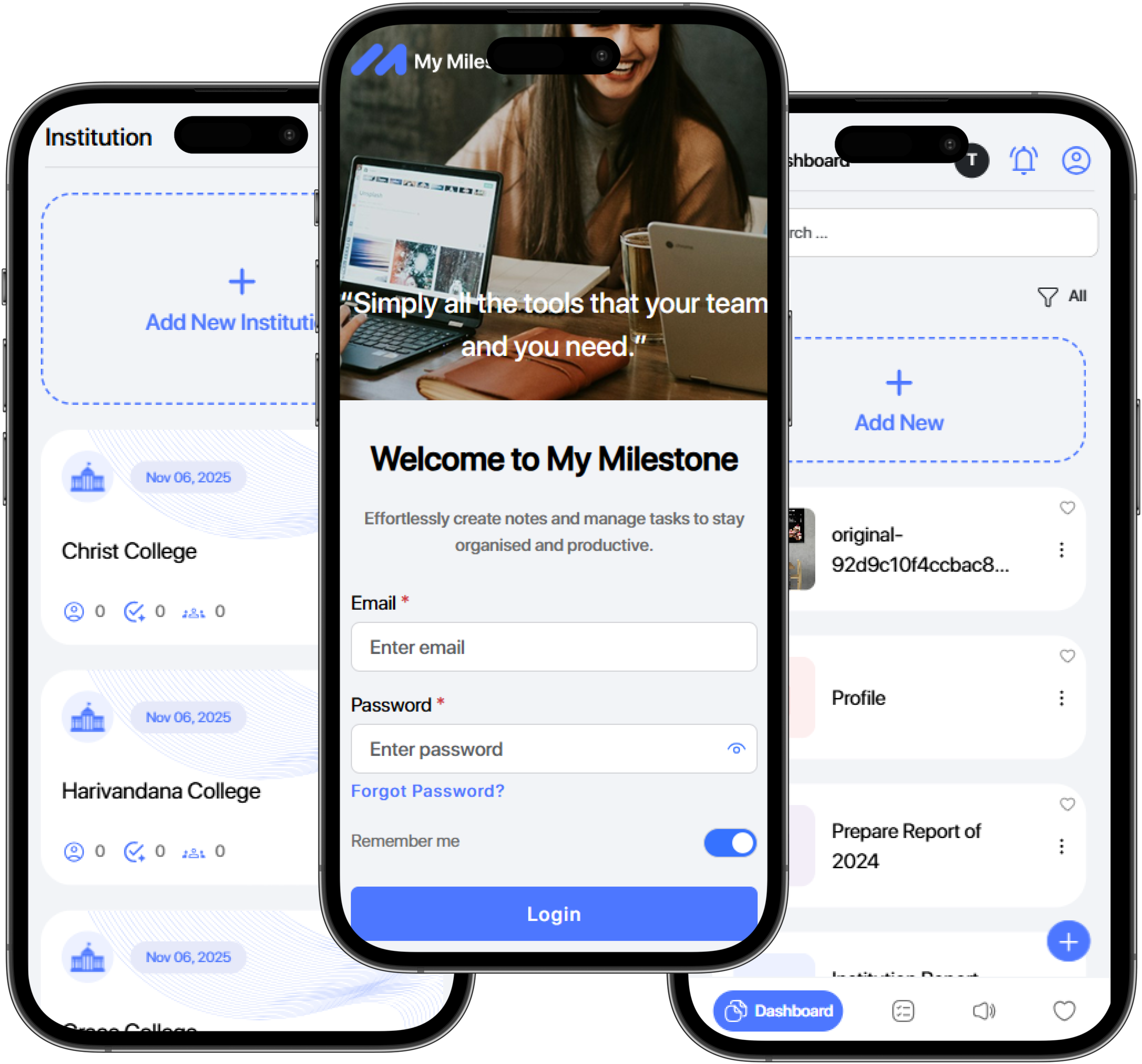
A private, invitation-only workspace for educational and professional institutions to plan, organize, and execute work with complete traceability.
Milestone is where your departments collaborate on notes, documents, and tasks — with roles, audit logs, and search built-in. Keep work in context: attach files, discuss via comments, and track progress.
Institutions may enable the following to boost productivity:
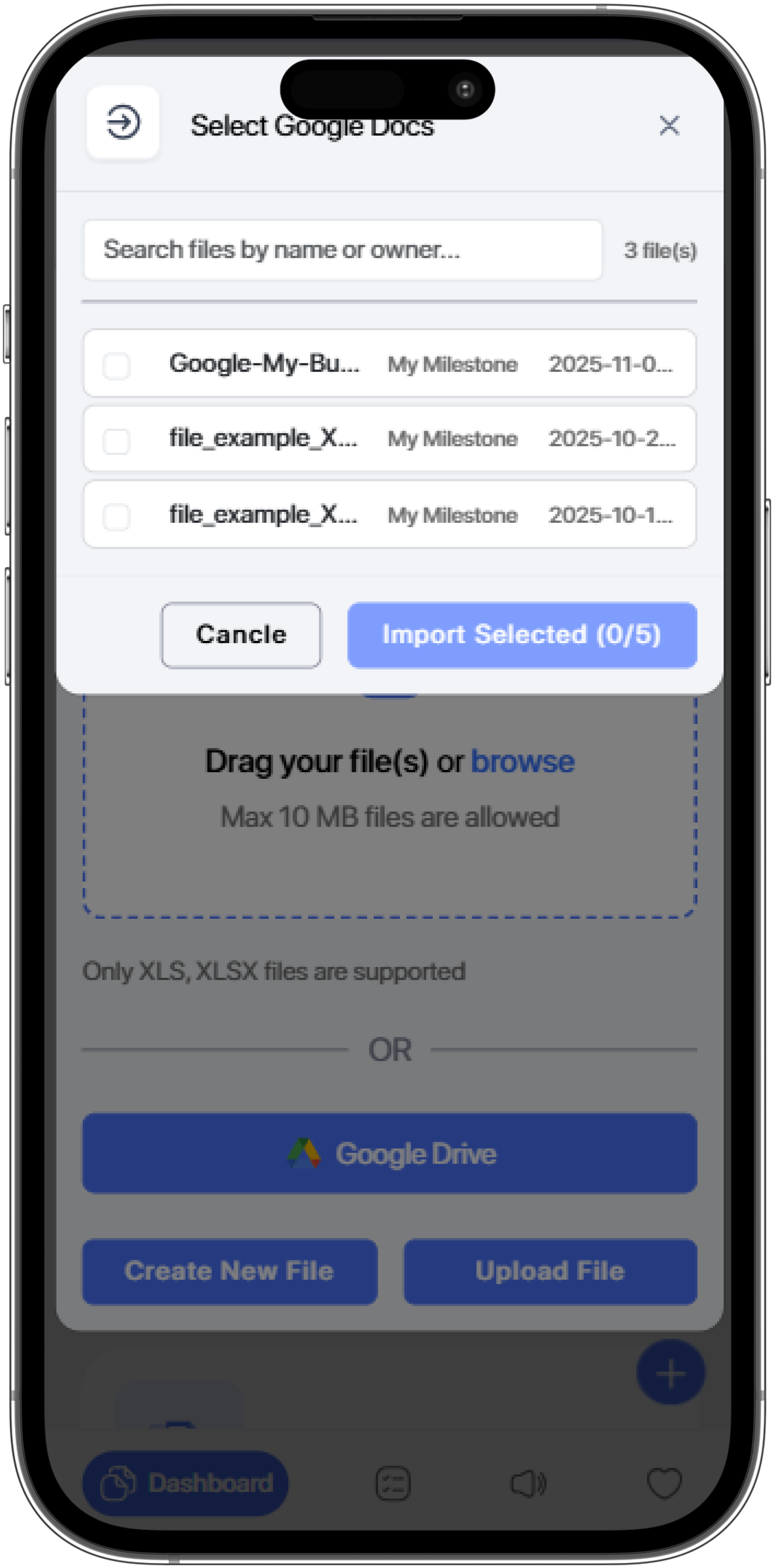
We access only the files users explicitly choose and you can disconnect anytime. See our Privacy Policy.
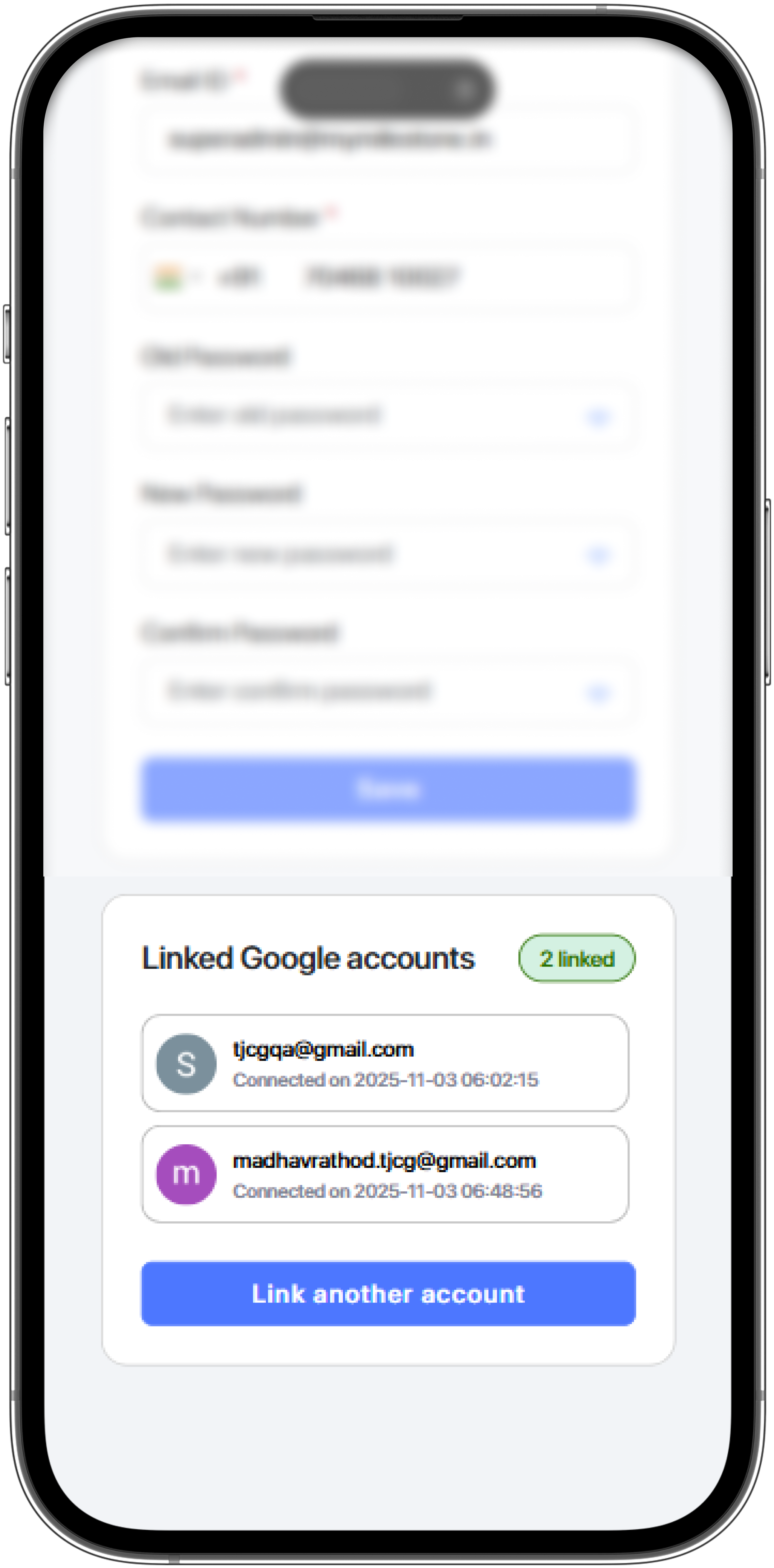
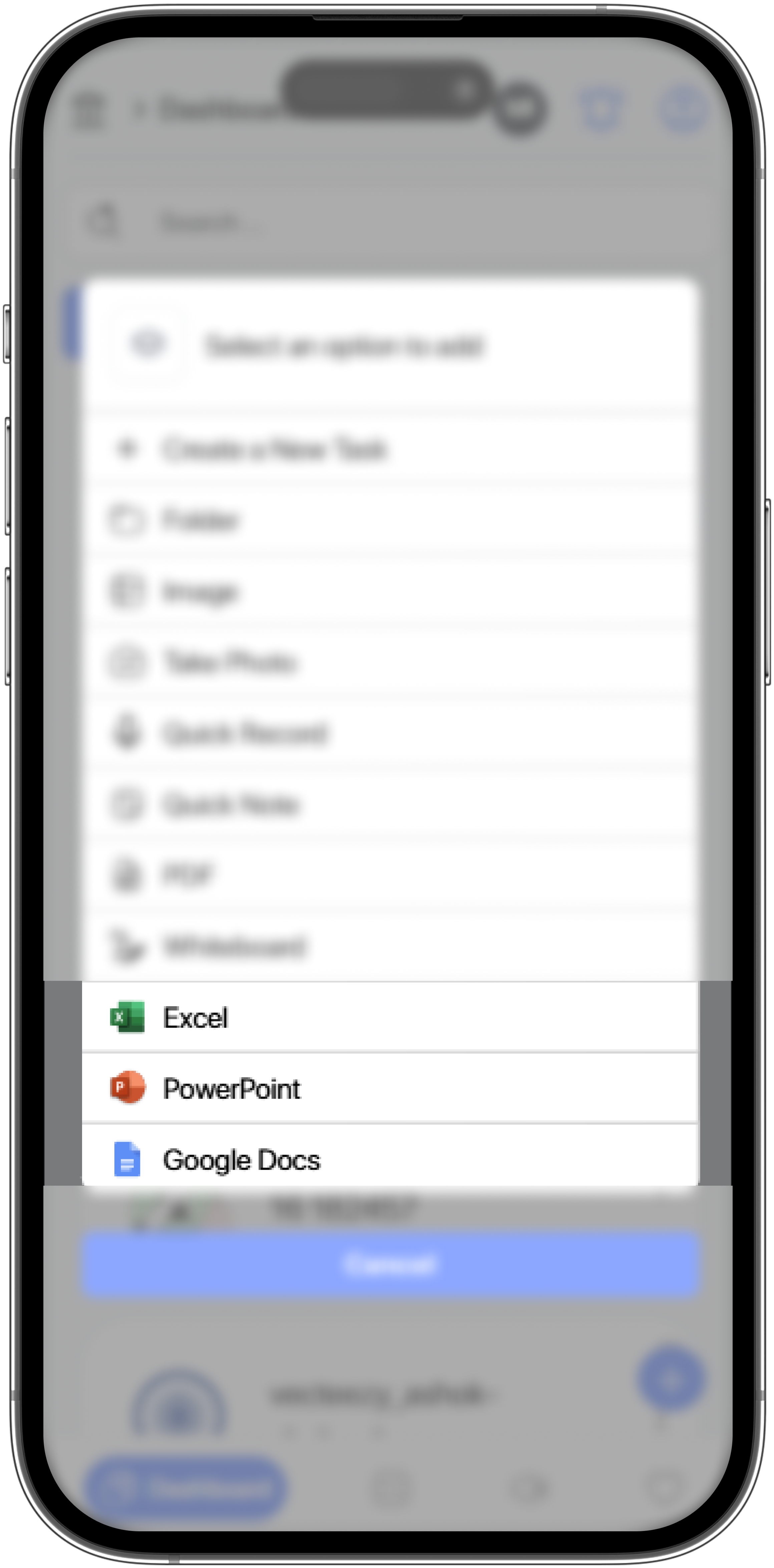
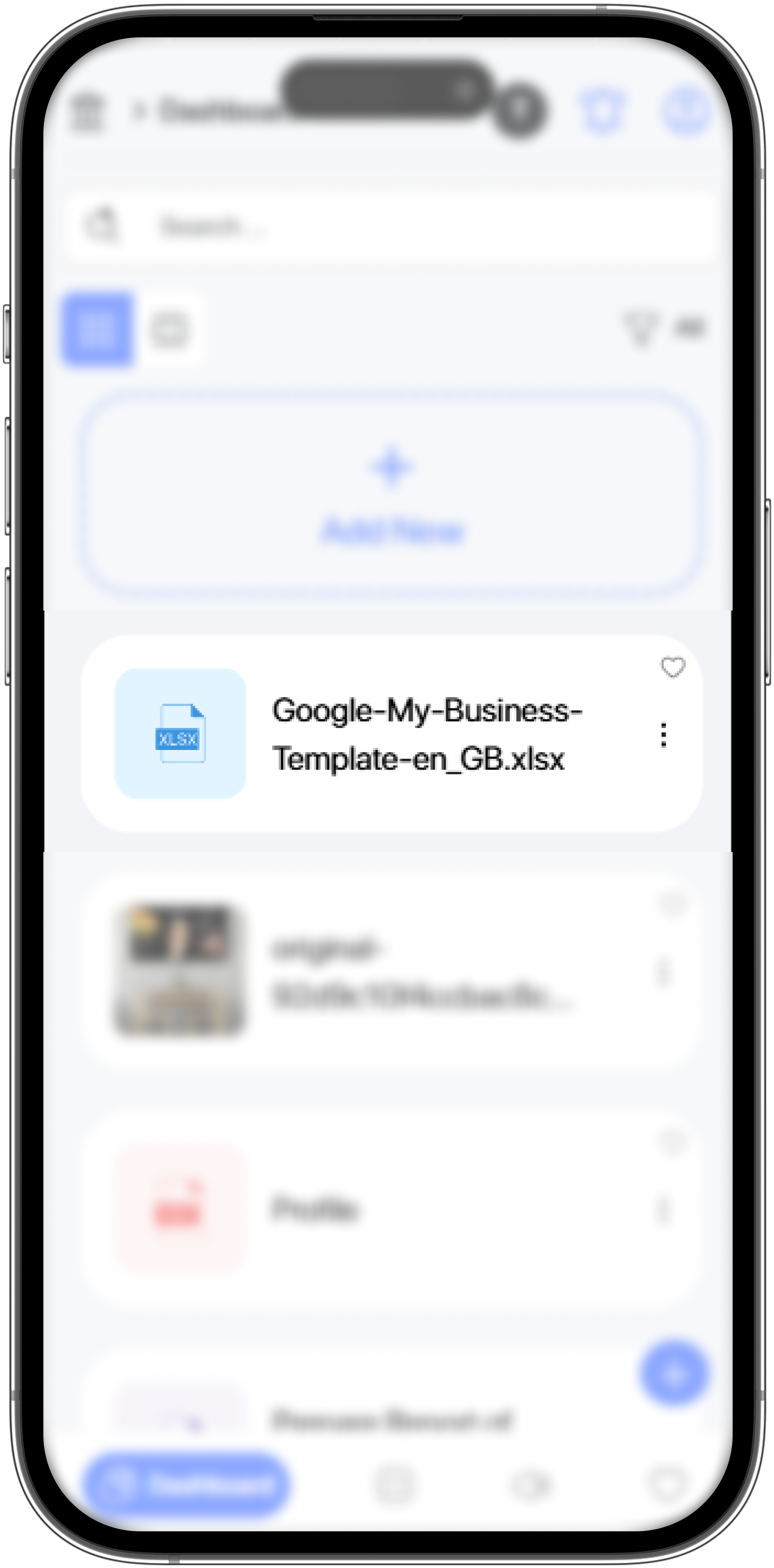
This short demo is intended for Google OAuth verification. It shows only the Google Sign-In and Google Drive file linking flow used in Milestone.
Invite users, set Admin/Editor/Viewer roles, and control visibility by department or project.
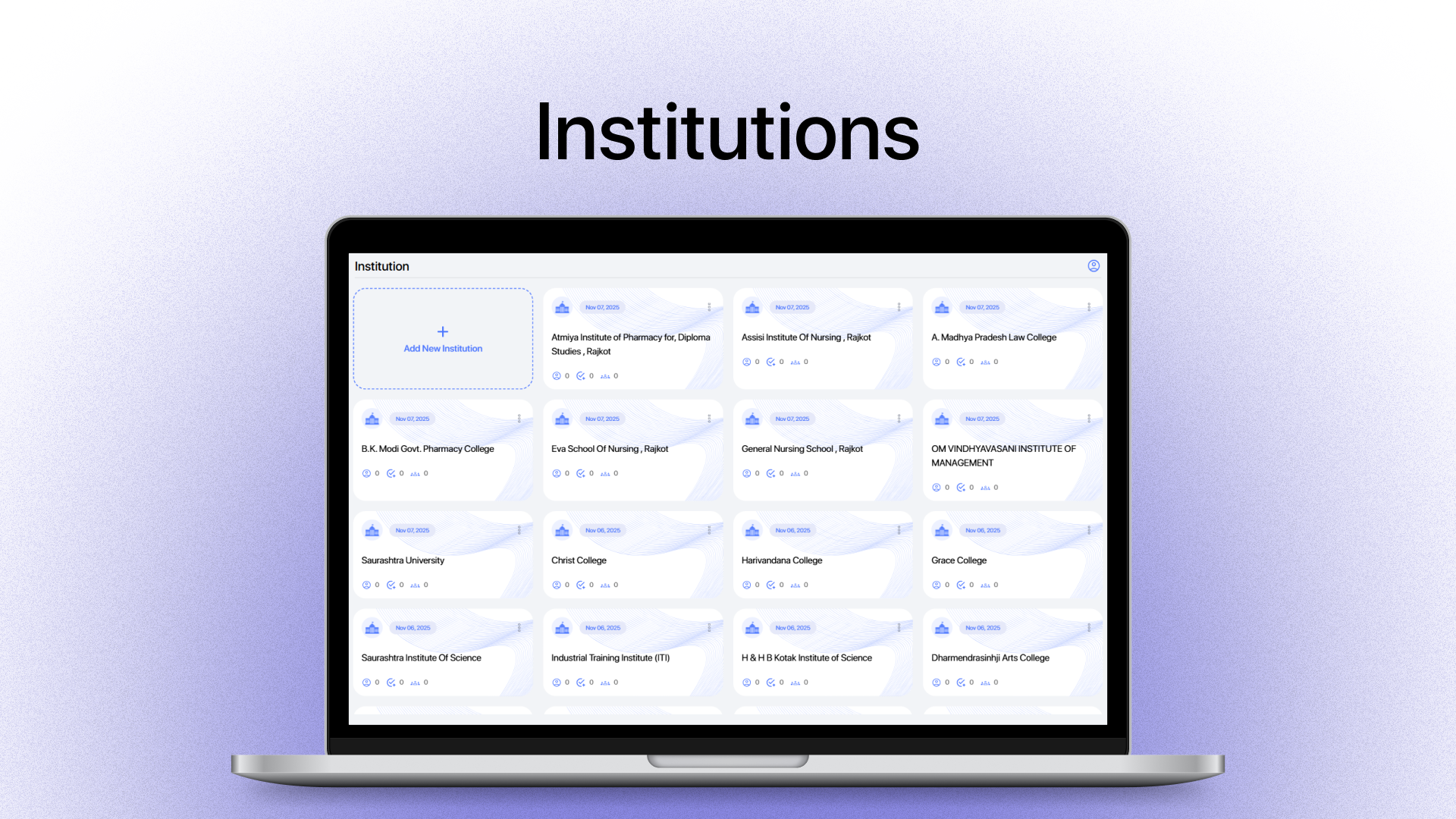
Switch between institutes. Keep documents, tasks, and contacts separated and organized.
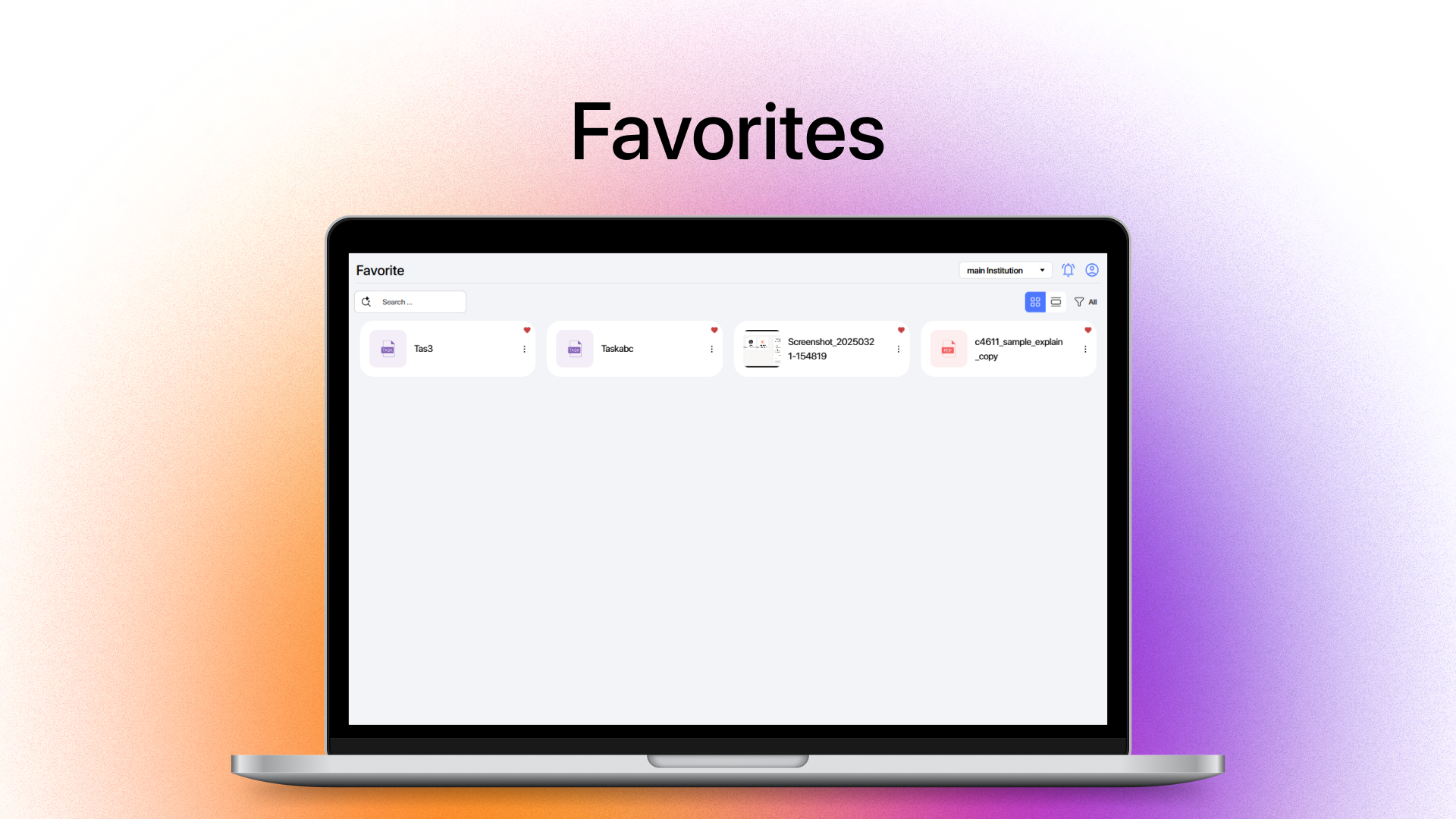
Upload & preview PDFs, DOCX, PPTX, XLSX, images, audio. Grid/list views, favorites, and quick search.
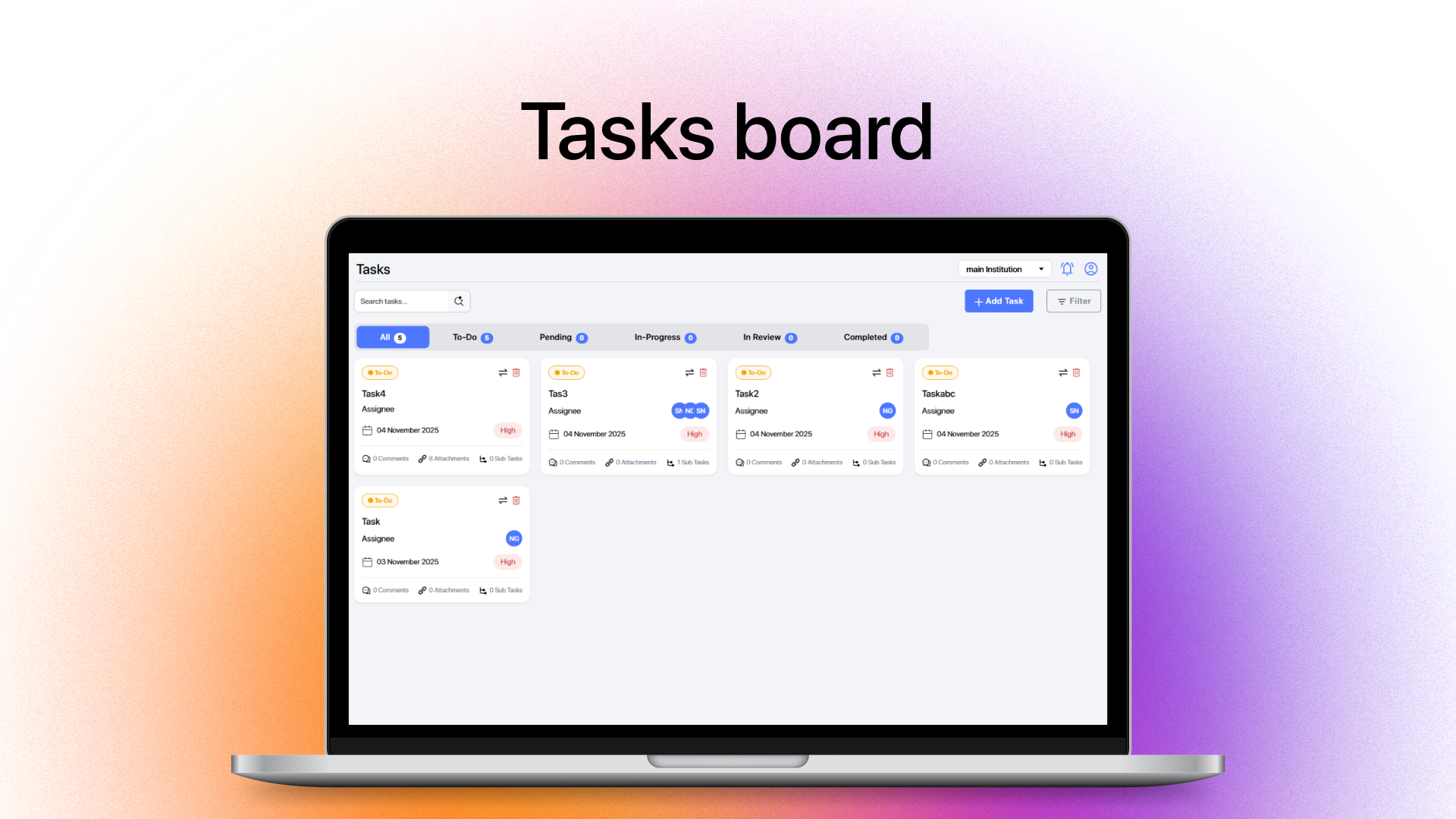
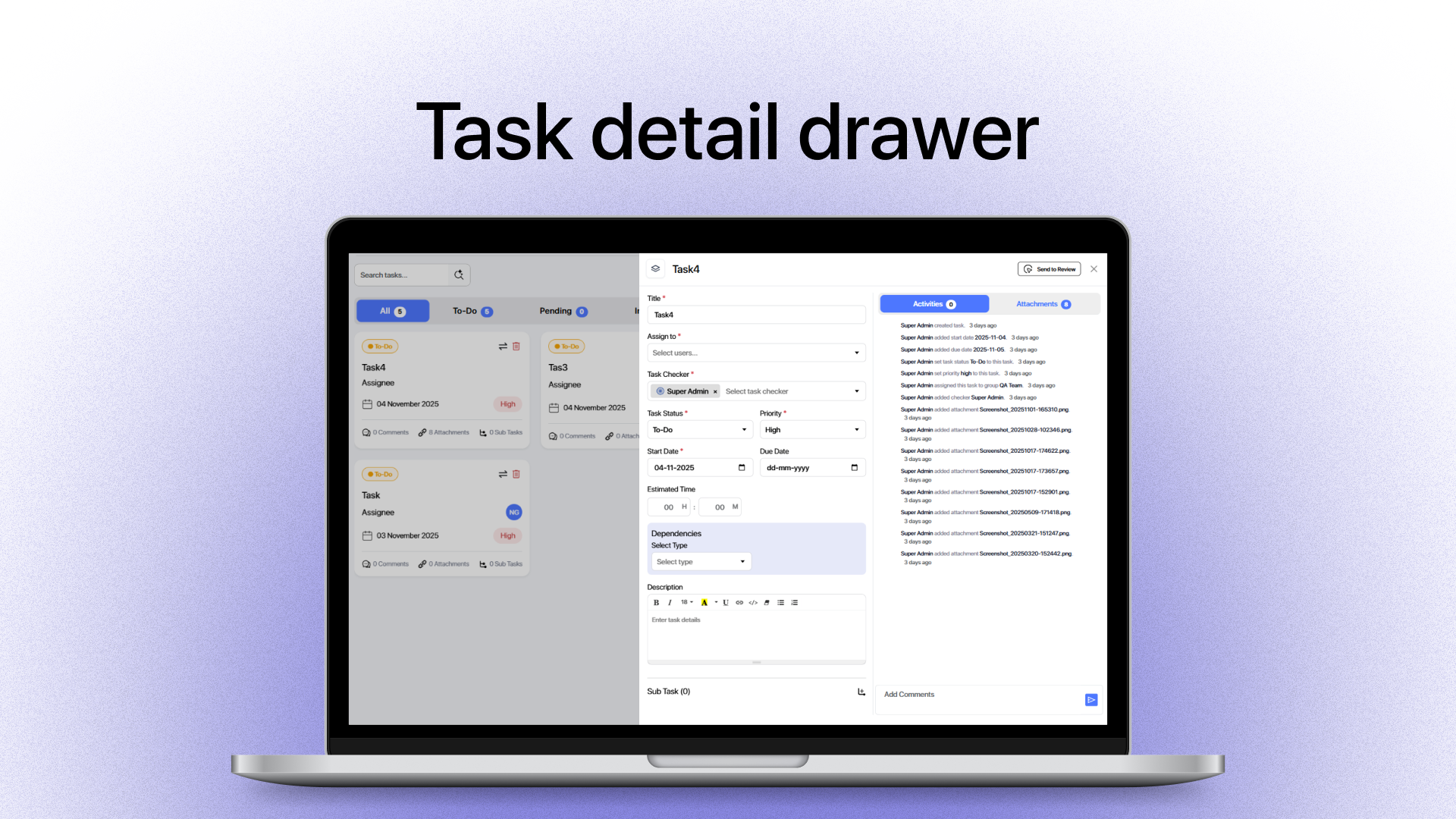
Assign owners, due dates, priority and attachments. Track progress and approvals in one place.
Real-time updates and a detailed activity log for transparency and audits.
Create groups, manage users/contacts, and import CSV/XLSX lists securely.
Milestone is an internal productivity platform built for institutions that value
privacy, structure, and control.
Every workspace is isolated per organization — allowing departments to collaborate securely,
maintain version history, and comply with institutional data policies.
With built-in roles, access control, audit trails, and data portability, Milestone ensures
transparency and accountability without exposing data publicly.
Notes, documents, tasks, comments, notifications, and activity all live together so departments can deliver faster with full context.
Optionally connect Google Sign-In and Drive. We request the minimum scopes required and only access files you pick.
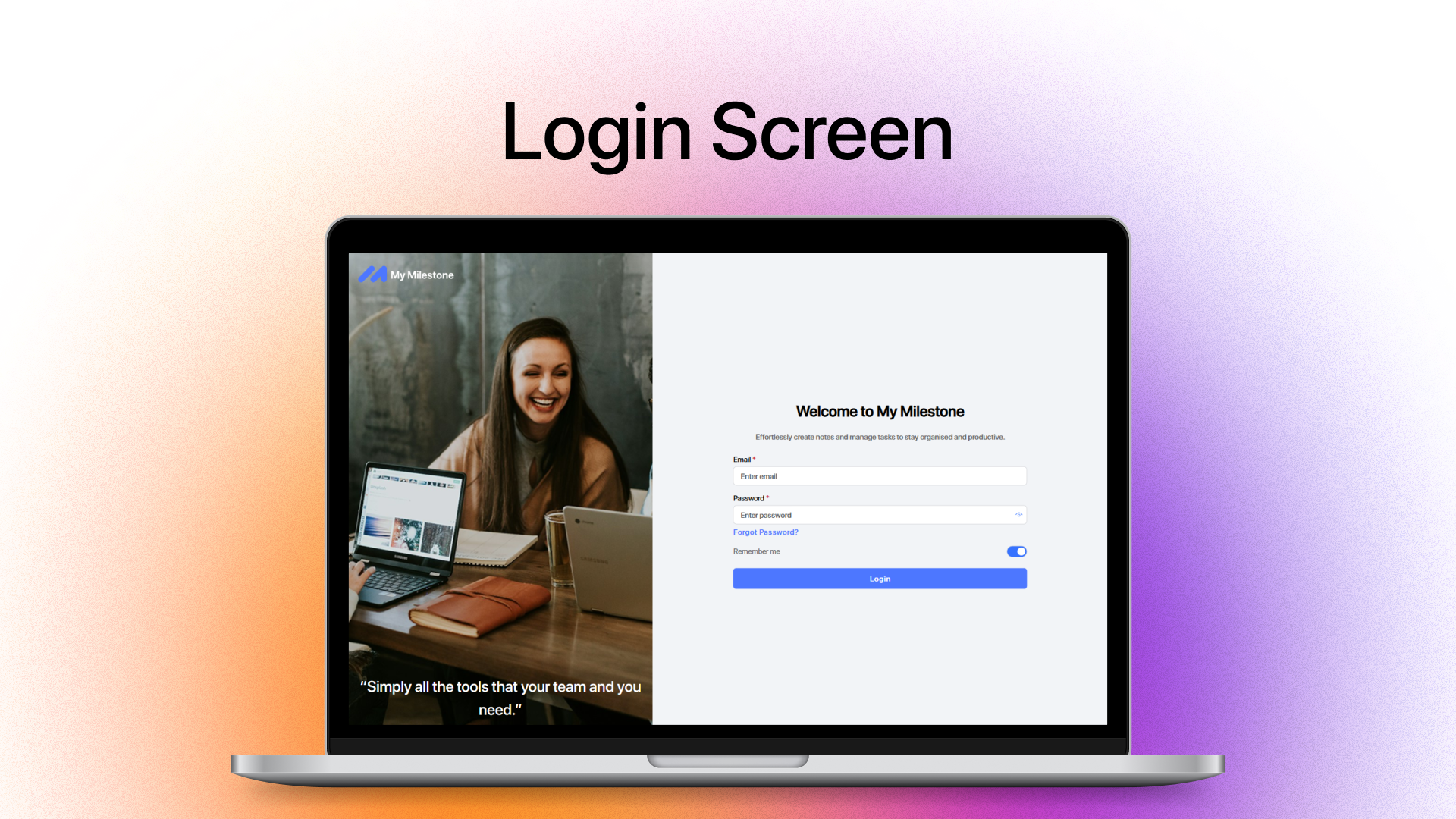
These are real screens from the app (login, institutions, documents, tasks, notifications, activity, contacts, profile).
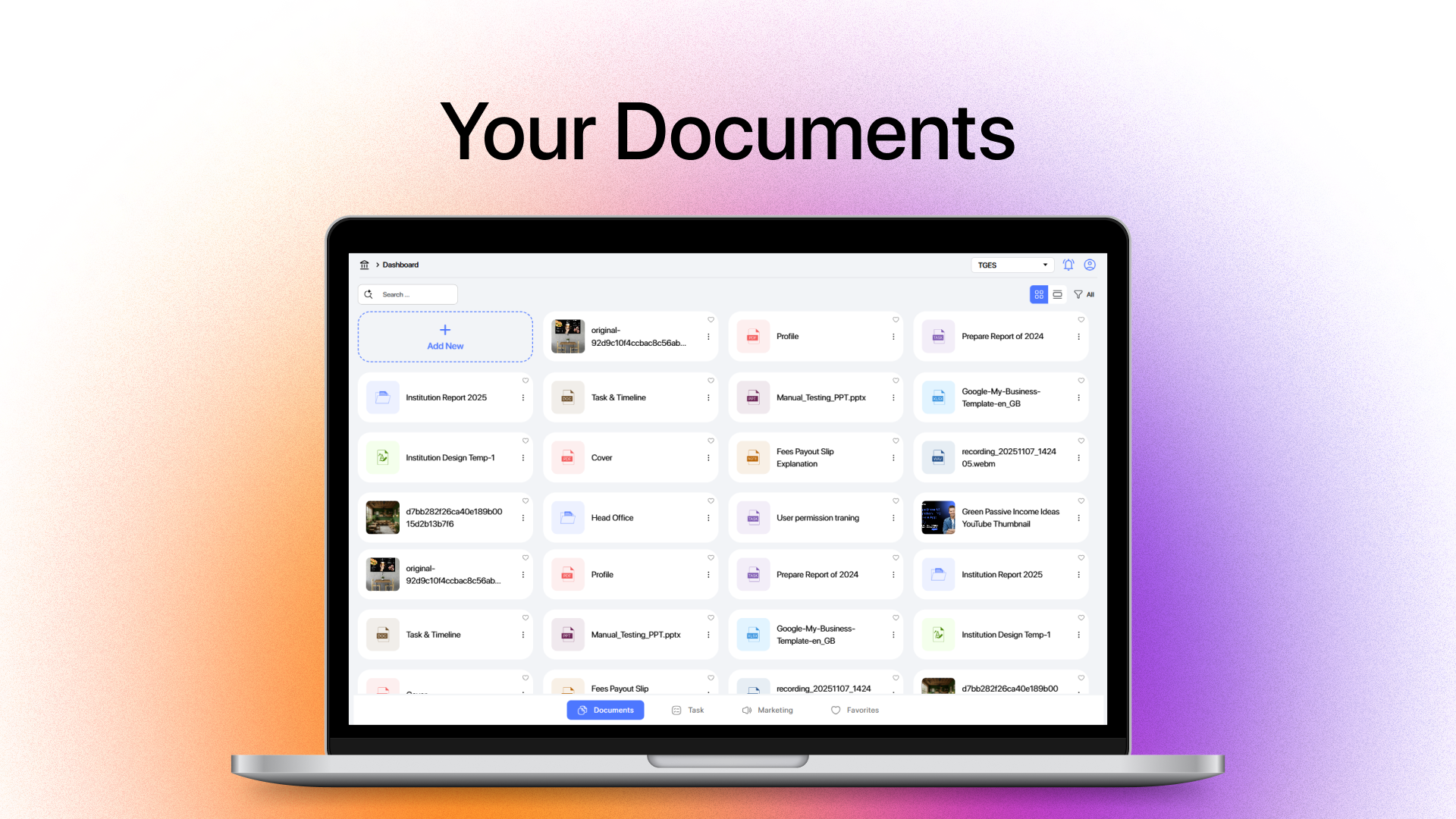
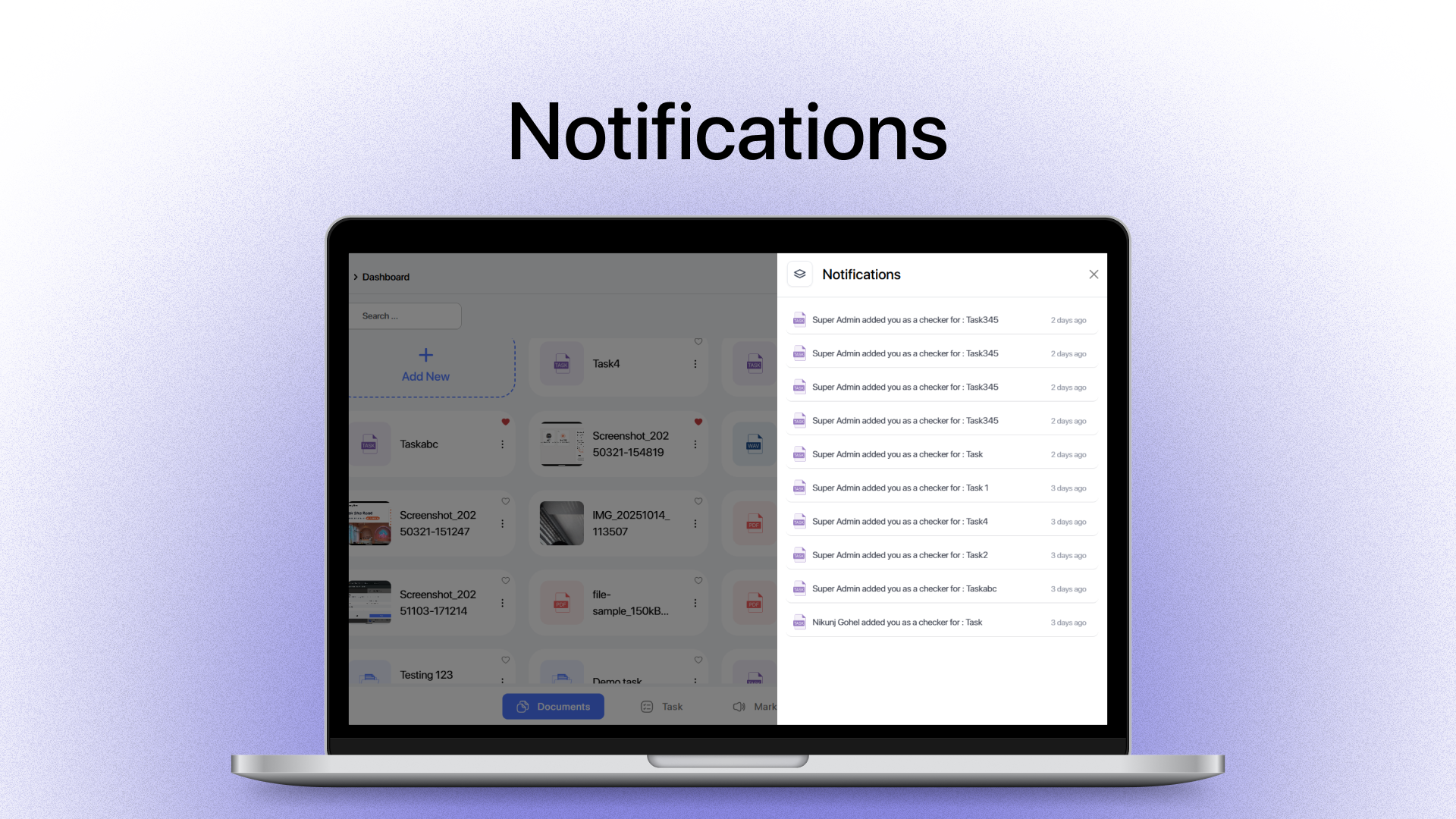
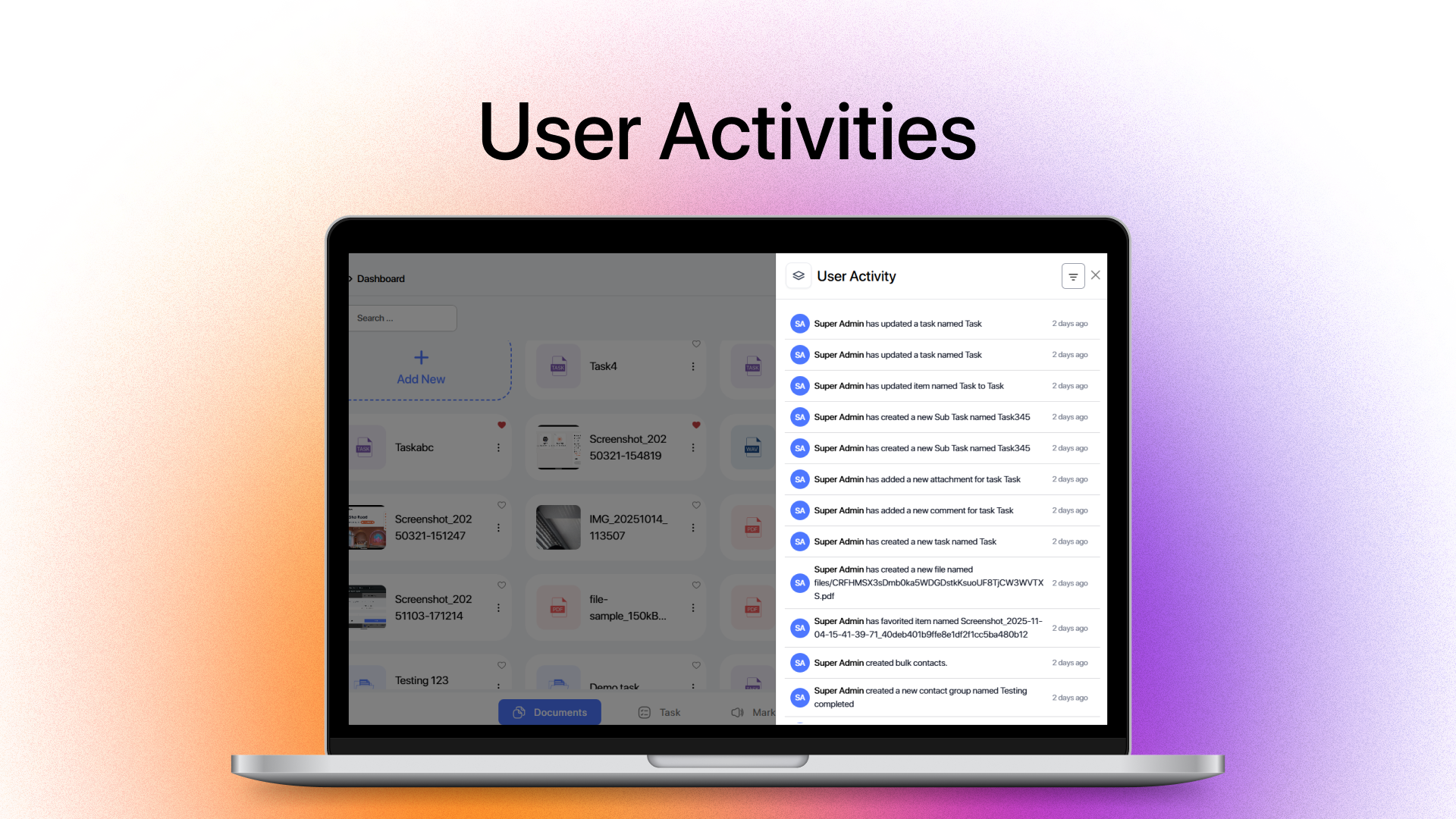
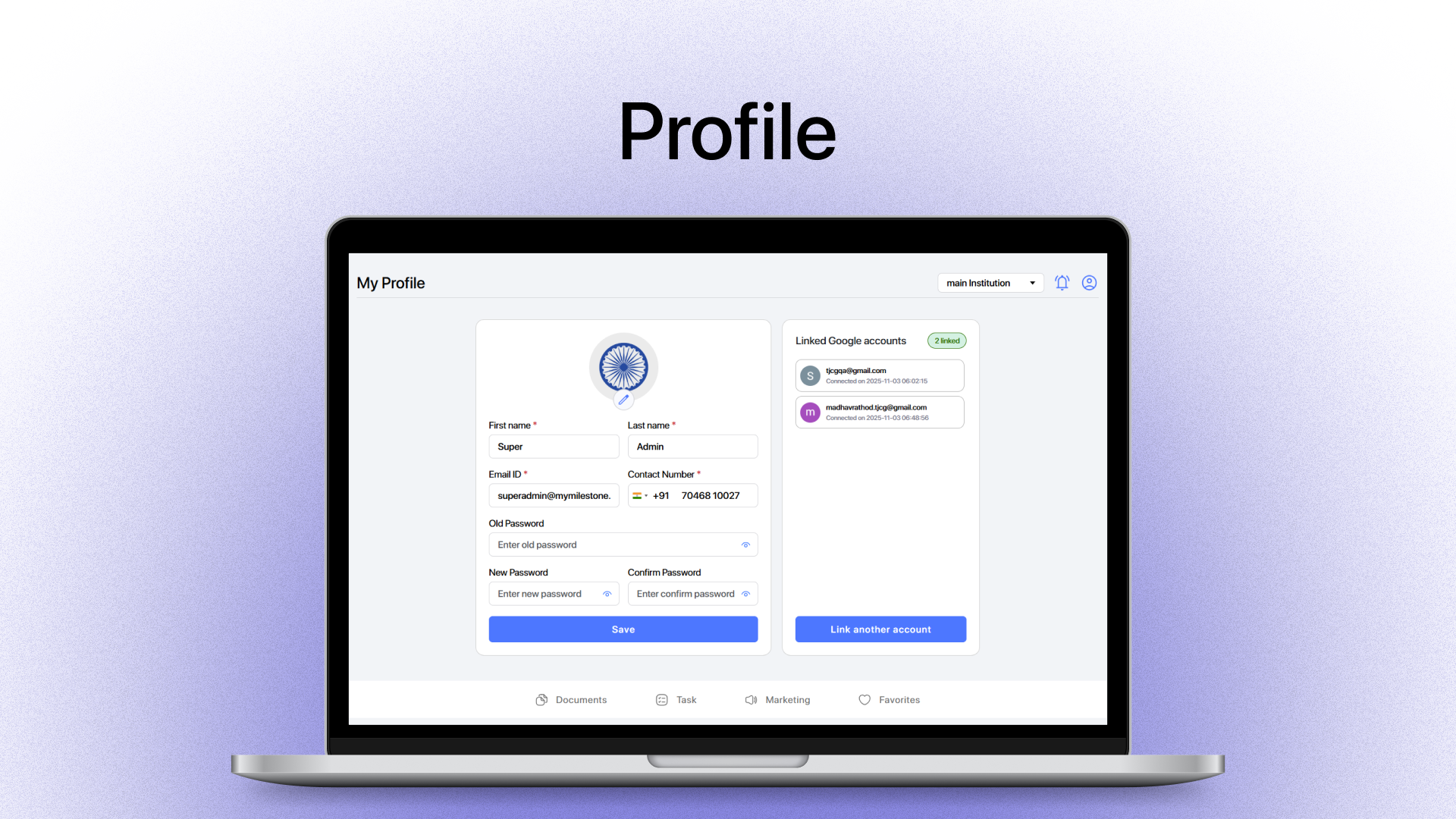
See how Milestone securely links with Google Drive to browse, select, and upload files directly inside the app — fast, simple, and private.
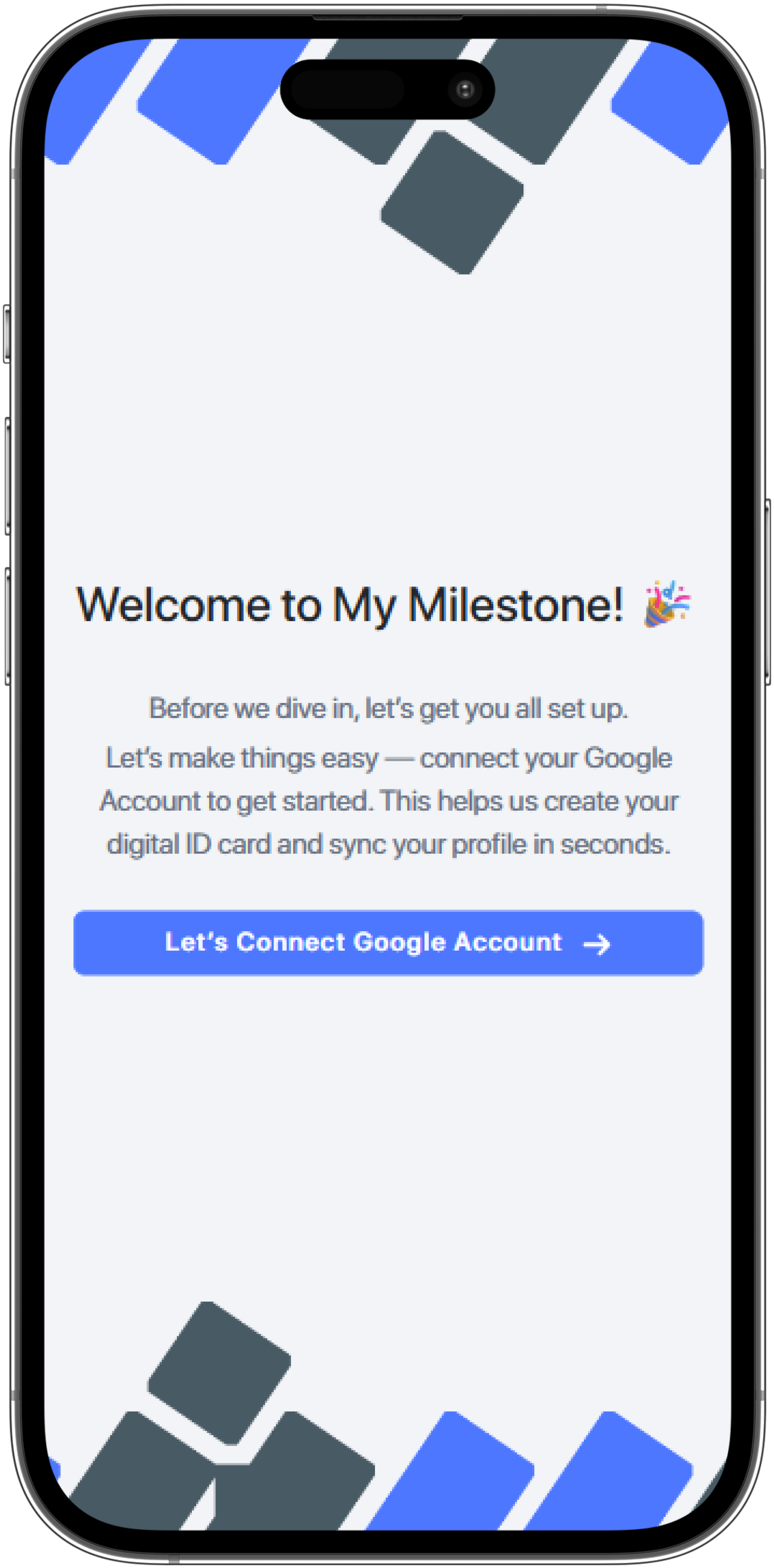
Only users invited by a participating institution can log in.